Notes and checklists, kept with the photos
The receipt lives beside the photo of the thing you bought. The packing list lives beside the trip. Nothing is filed in a second app you will forget to open.
 Spaces
A space is a real album in your photo library, with room for the note, the checklist and the link that go with it. Nothing is copied, nothing is uploaded, and there is no account to make.
App Store · iPhone & iPad · iOS 18 and later
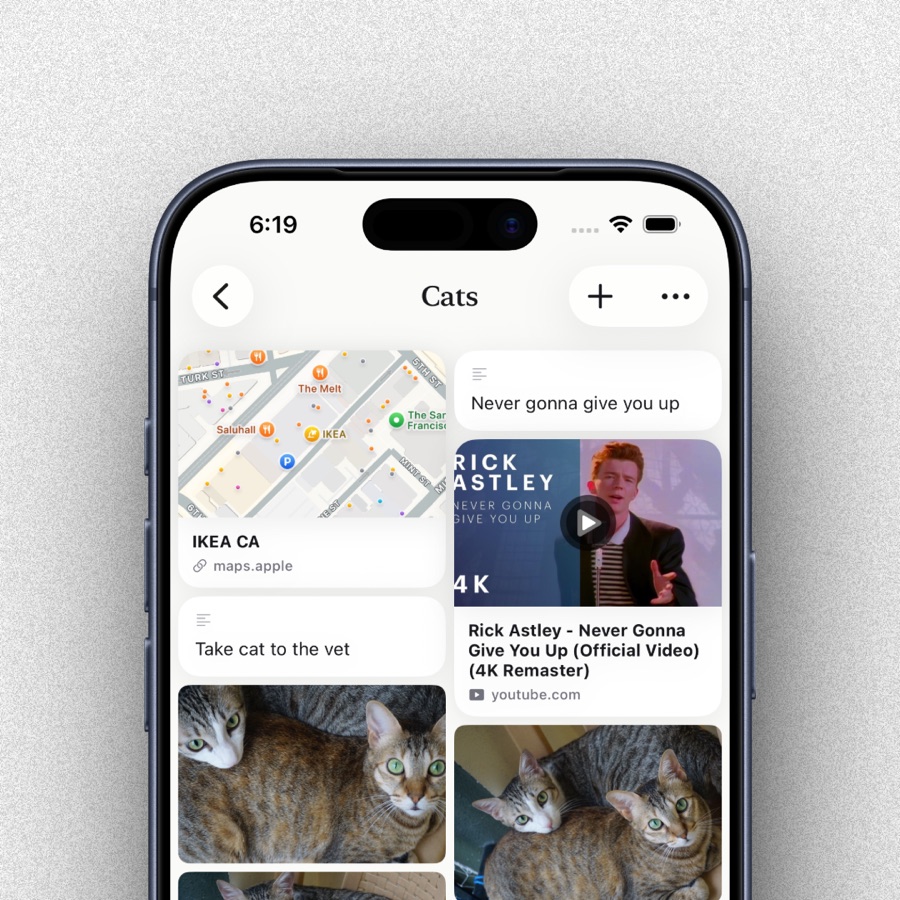
The receipt lives beside the photo of the thing you bought. The packing list lives beside the trip. Nothing is filed in a second app you will forget to open.
Paste a video, a listing or an article into a space and it keeps its title and thumbnail, so a saved link still means something months later.
Look for a date, a place, a kind of photo, text inside a screenshot, a tag you invented, or what the picture shows. All of it runs on your device.
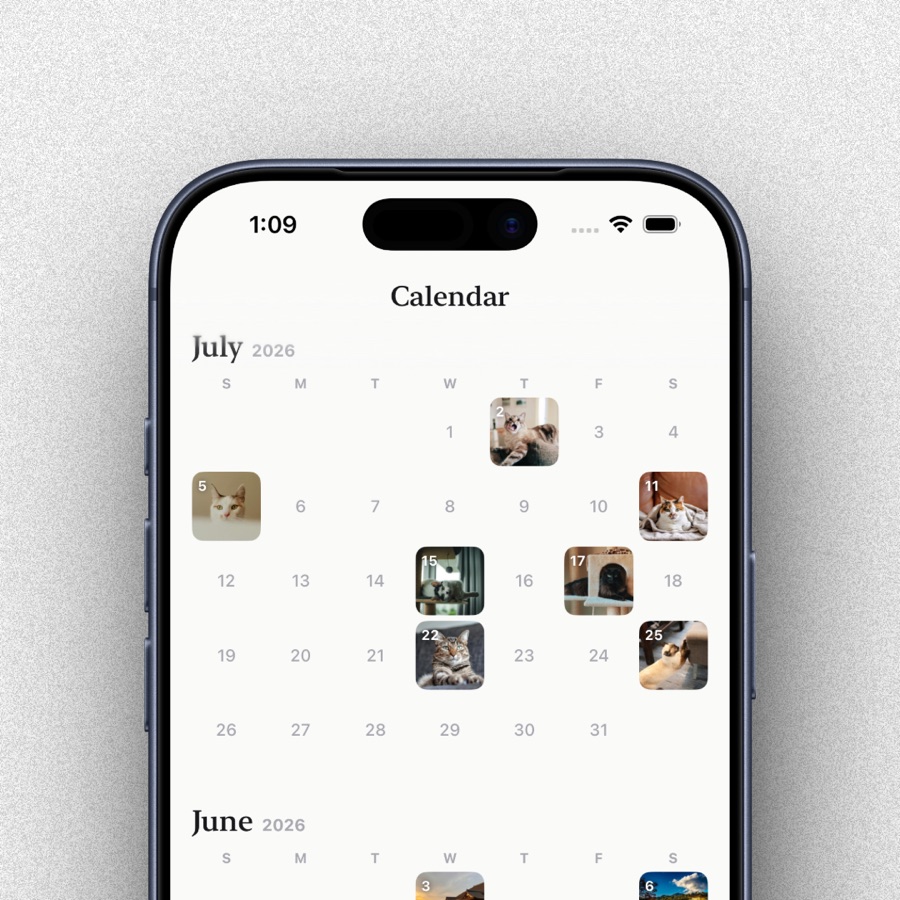
A calendar and a timeline over everything you have, so a year is something you can look at rather than scroll past.
Spaces reads your photo library in place using Apple's PhotoKit. A photo is never copied and never uploaded. Your notes, checklists, links and tags live in a database on your device and sync through your own private iCloud.
There are no Spaces servers. No accounts, no analytics, no trackers, no advertising. We could not read your data if we wanted to. There is nowhere for it to arrive.
Photos organises pictures. Spaces organises everything that belongs with them. A space is a real album in your photo library, plus the notes, checklists and links an album cannot hold: the model number, the packing list, the video you meant to watch before the trip.
No. Spaces reads your library in place through Apple's PhotoKit and never copies or uploads a photo. Notes, checklists, links and tags are stored on your device and sync through your own private iCloud. There are no Spaces servers to send anything to.
No. There is no sign-up, no profile and no password. If you are signed into iCloud your notes follow you between devices; if you are not, everything stays on the one device.
Yes. Spaces searches dates, places, kinds of photo, the text inside screenshots, your own notes and tags, and what a picture actually shows. It all runs on your device, and nothing is sent away to be understood.
A yearly subscription with a free trial, or a one-time purchase if you would rather own it outright. Both unlock everything; there are no add-ons.
Yes. Your library, your spaces and your search are all local. Only fetching the preview image for a saved link needs a connection.